How to Use AI
Purpose-Built
for Construction
Purpose-Built
for Construction

The prompts and skill downloads live here. When you are ready, text us and we will build the brain with you.
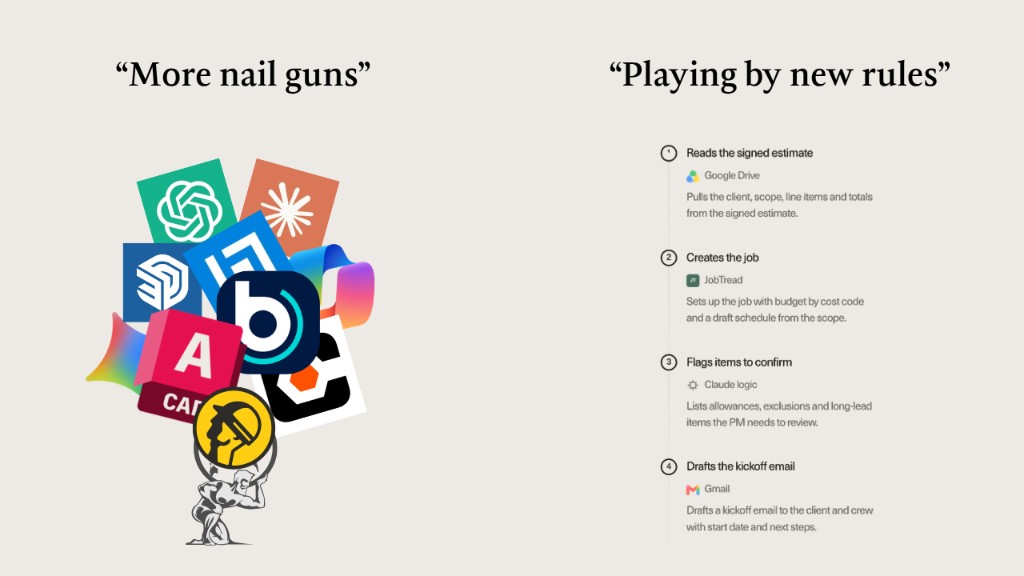
Small efficiencies that competitors can easily replicate.
Compounding advantages that competitors cannot easily copy.
Let's run through what these three things are
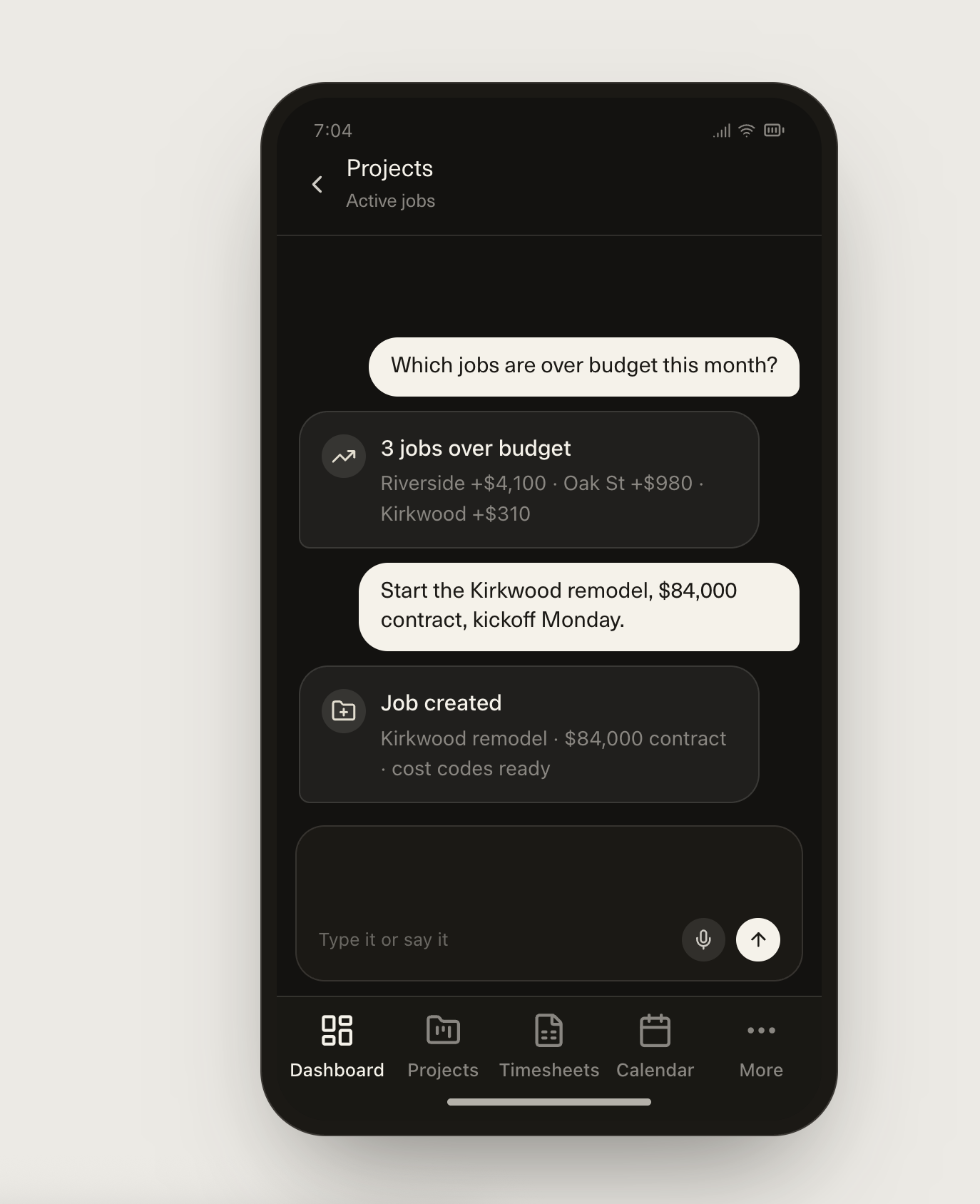
Pulls the client, scope, line items and totals from the signed estimate.
Sets up the job with budget by cost code and a draft schedule from the scope.
Lists allowances, exclusions and long-lead items the PM needs to review.
Drafts a kickoff email to the client and crew with start date and next steps.
 Gmail
Gmail Google Calendar
 Google Drive
 Granola
 Notion
 Microsoft 365
 Monday.com
 QuickBooks
 Facebook
 JobTread
 Procore
 Smartsheet
1. Connected to the AI-first PM software. Pull budgets, committed costs, actuals and reported percent complete for every active job.
2. Compares. Reported percent complete vs. what the cost numbers say it should be.
3. Flags. Rank the jobs and line items with the biggest gaps.
4. Builds the dashboard. One view across all jobs, then a breakdown per job: reported %, cost-implied %, what to look for.
5. Adds follow-up actions. Who to call and what to ask, per flag.
6. Searches email. Find threads tied to each flagged job (change orders, delays, disputes, vendor issues) and attach a short explanation to each gap.
1. Pulls the transcript. Claude reads the client meeting from Granola and extracts the scope: work items, quantities, materials and site conditions.
2. Fills the template. Using Cowork, Claude opens his estimating template and fills it in line by line from that scope.
3. Applies his numbers. Claude checks his local labour rates for each team member and his material price list, then calculates hours, material costs and totals.
4. Flags the gaps. Anything missing, vague or assumed gets listed: no quantity stated, material not on the price list, unclear scope.
5. Reviews the draft. He gets the filled template and the flag list, and he confirms the final numbers before sending to the client.

1. Connected the files. Project documents, drawings and reports sit in one Claude project.
2. Connected the transcripts. Meeting and site conversations from Granola give Claude what was said and decided.
3. Connected the email. Claude reads the threads tied to the project, so answers include the history behind them.
4. Connected the calendar. Claude knows what is coming up and what already happened, so it can place questions along the project timeline.
5. Added the development checklist. His standard list of actions during development goes in as context, so Claude knows what should be happening at each stage.
6. Asks anything. He asks open-ended questions and every answer ties back to his project, because Claude draws on all four sources plus the checklist.
We built a skill that builds the brain with you. It interviews you like a colleague - what is your role, what do you actually do all day - then maps your divisions and writes the files.
The one prompt maps your company’s skeleton - divisions and processes only, no files. The skill builds the whole brain.
CTO, Scelta
scelta.ca